
Bundle Details

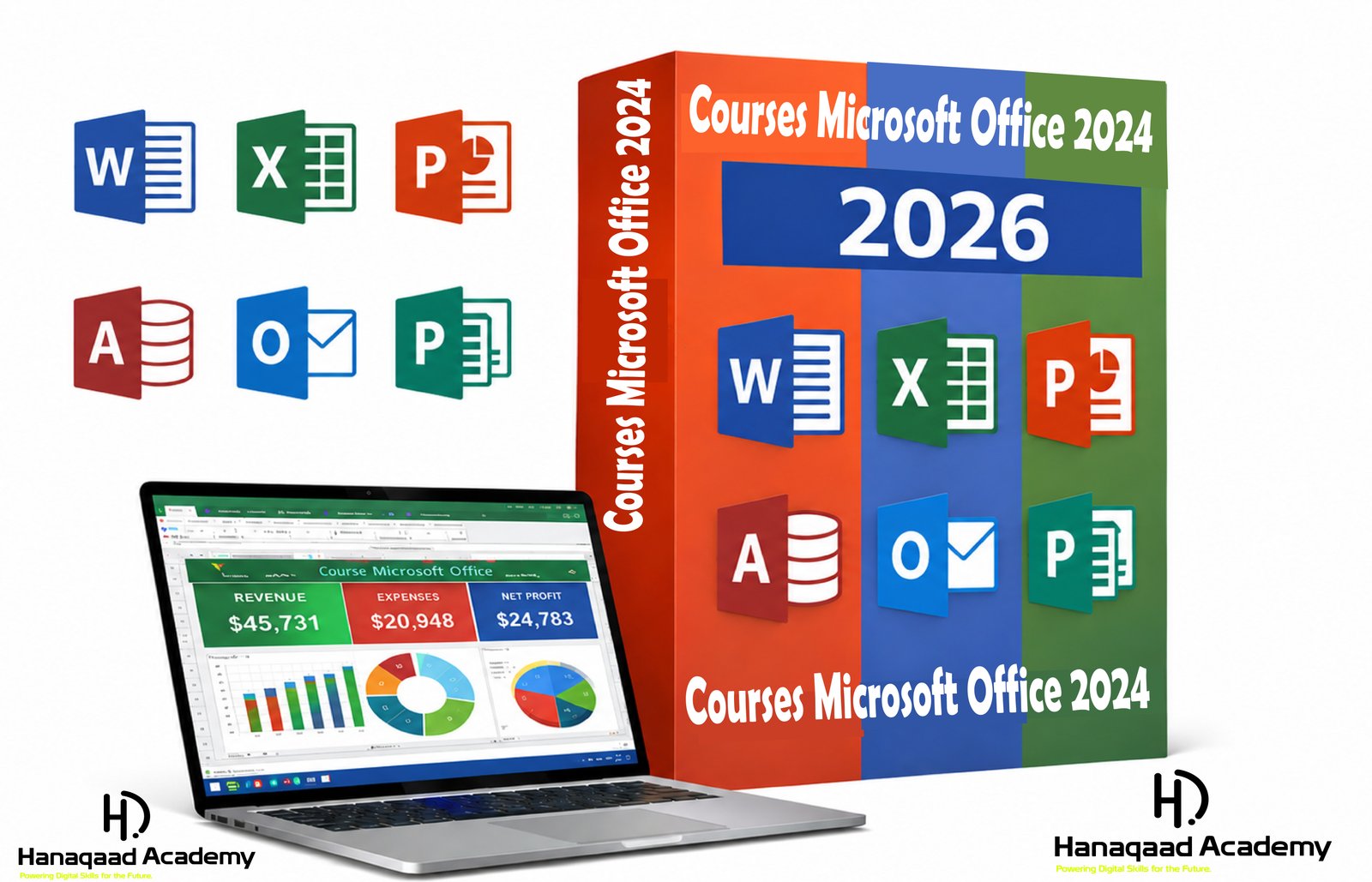
Bundle of Microsoft Office Courses 2024

Course Overview – Microsoft Office 2024

Microsoft Office 2024 is a powerful office productivity suite widely used in education, business, and professional environments. It includes applications for word processing, spreadsheets, presentations, email management, and database handling. This course is designed to give learners practical and professional skills in using Microsoft Office tools effectively.

Course Objectives
By the end of this course, learners will be able to:

Understand and use Microsoft Office 2024 applications
Create professional documents, spreadsheets, and presentations
Manage data and databases efficiently
Handle emails and schedules using Outlook
Apply office tools in real-life academic and business tasks

Course Modules

Module 1: Introduction to Microsoft Office 2024

Topics Covered:
Overview of Microsoft Office 2024
Installation and system requirements
Office interface (Ribbon, Tabs, Quick Access Toolbar)
File management (create, save, open, and organize files)

Learning Outcome:
Students will understand the basic structure and navigation of Office 2024,

Module 2: Microsoft Word 2024
Microsoft Word 2024

Topics Covered:
Creating and formatting documents
Fonts, styles, and paragraphs
Tables, images, and shapes
Page layout and design
Headers, footers, and page numbering
Spell check and grammar tools
Mail Merge (letters and labels)
CV and report writing

Practical Work:
Writing formal letters
Creating a professional CV
Designing reports and assignments

Learning Outcome:
Students will be able to create professional documents with ease.

Module 3: Microsoft Excel 2024,
Microsoft Excel 2024,

Topics Covered:
Worksheets and workbooks
Data entry and formatting
Basic and advanced formulas
Functions (SUM, AVERAGE, IF, COUNT, etc.)
Charts and graphs
Sorting and filtering data
Conditional formatting
Pivot tables

Practical Work:
Salary sheets
Student result management
Sales and financial reports

Learning Outcome:
Students will be able to analyze and manage data efficiently.

Module 4: Microsoft PowerPoint 2024,
Microsoft PowerPoint 202
4,

Topics Covered:
Creating presentations
Slide design and layouts
Themes and templates
Adding images, audio, and video
Animations and transitions
Slide show settings

Practical Work:
Business presentations
Academic project presentations
Seminar slides

Learning Outcome:
Students will be able to create professional presentations.

Module 5: Microsoft Access 2024,
Microsoft Access 2024,

Topics Covered:
Introduction to databases
Creating tables
Queries and filters
Forms and reports
Relationships between tables

Practical Work:
Student database system
Employee records system
Inventory management system

Learning Outcome:
Students will understand basic database management.

Module 6: Microsoft Outlook 2024,
Microsoft Outlook 2024,

Topics Covered:
Email creation and management
Inbox organization
Calendar and scheduling
Contacts management
Tasks and reminders

Practical Work:
Professional email writing
Meeting scheduling
Time management setup

Learning Outcome:
Students will manage communication and scheduling professionally.

Module 7: Microsoft Publisher 2024
Microsoft Publisher 2024

Topics Covered:
Designing flyers and brochures
Business cards
Posters and certificates
Layout and printing design

Practical Work:
Advertising flyers
Event posters
Invitation cards

Learning Outcome:
Students will create simple graphic designs for print media.

Module 8: OneNote 2024
Microsoft OneNote 2024

Topics Covered:
Digital note-taking
Organizing notebooks and sections
Adding multimedia notes
Sharing and collaboration

Learning Outcome:
Students will effectively organize and store digital notes.

New Features of Microsoft Office 2024
Real-time collaboration
Cloud integration (OneDrive)
Smart Lookup feature
“Tell Me” search tool
Improved Excel charts
Enhanced security features
Better sharing options

Course Duration

LevelDuration
Beginner1–2 months
Intermediate2–3 months
Advanced3–6 months

Teaching Methods
Theory lessons
Hands-on practical sessions
Assignments and exercises
Projects
Exams and certification

Career Opportunities
After completing this course, learners can work as:

Office Administrator
Data Entry Clerk
Secretary
Receptionist
Office Assistant
Computer Operator
Administrative Support Staff

Conclusion
Microsoft Office 2024 is an essential course for anyone who wants to build strong computer and office skills. It provides practical knowledge that is useful in education, business, and professional environments.

Beginner
Microsoft Office

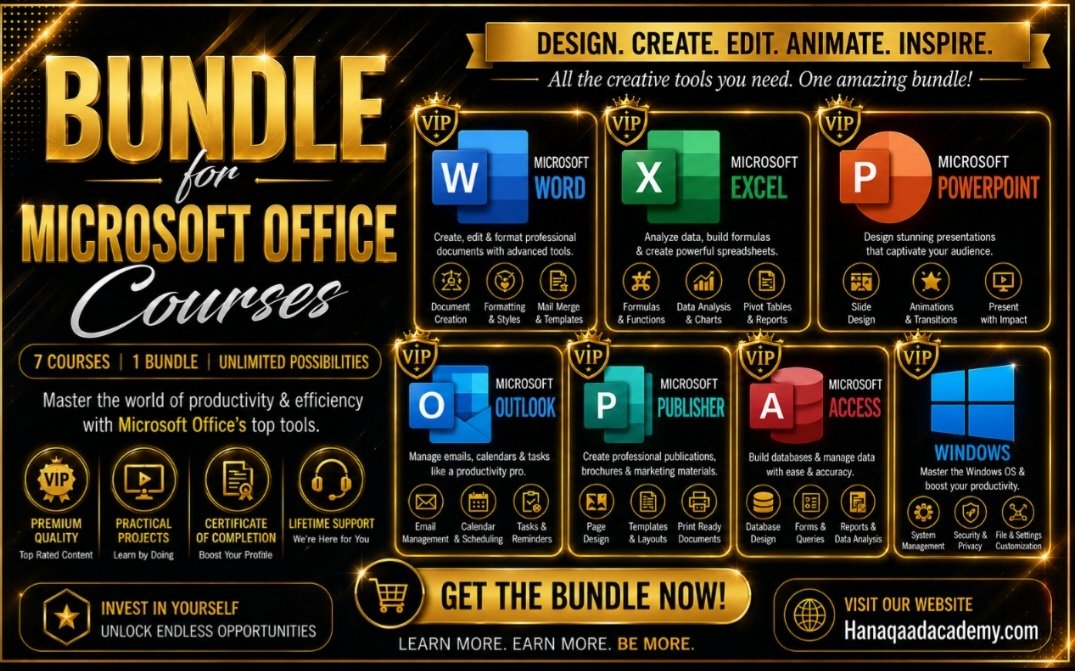
Bundle Overview

Course Overview – Microsoft Office 2024

Microsoft Office 2024 is a powerful office productivity suite widely used in education, business, and professional environments. It includes applications for word processing, spreadsheets, presentations, email management, and database handling. This course is designed to give learners practical and professional skills in using Microsoft Office tools effectively.

Course Objectives
By the end of this course, learners will be able to:

Understand and use Microsoft Office 2024 applications
Create professional documents, spreadsheets, and presentations
Manage data and databases efficiently
Handle emails and schedules using Outlook
Apply office tools in real-life academic and business tasks

Course Modules

Module 1: Introduction to Microsoft Office 2024

Topics Covered:
Overview of Microsoft Office 2024
Installation and system requirements
Office interface (Ribbon, Tabs, Quick Access Toolbar)
File management (create, save, open, and organize files)

Learning Outcome:
Students will understand the basic structure and navigation of Office 2024,

Module 2: Microsoft Word 2024
Microsoft Word 2024

Topics Covered:
Creating and formatting documents
Fonts, styles, and paragraphs
Tables, images, and shapes
Page layout and design
Headers, footers, and page numbering
Spell check and grammar tools
Mail Merge (letters and labels)
CV and report writing

Practical Work:
Writing formal letters
Creating a professional CV
Designing reports and assignments

Learning Outcome:
Students will be able to create professional documents with ease.

Module 3: Microsoft Excel 2024,
Microsoft Excel 2024,

Topics Covered:
Worksheets and workbooks
Data entry and formatting
Basic and advanced formulas
Functions (SUM, AVERAGE, IF, COUNT, etc.)
Charts and graphs
Sorting and filtering data
Conditional formatting
Pivot tables

Practical Work:
Salary sheets
Student result management
Sales and financial reports

Learning Outcome:
Students will be able to analyze and manage data efficiently.

Module 4: Microsoft PowerPoint 2024,
Microsoft PowerPoint 202
4,

Topics Covered:
Creating presentations
Slide design and layouts
Themes and templates
Adding images, audio, and video
Animations and transitions
Slide show settings

Practical Work:
Business presentations
Academic project presentations
Seminar slides

Learning Outcome:
Students will be able to create professional presentations.

Module 5: Microsoft Access 2024,
Microsoft Access 2024,

Topics Covered:
Introduction to databases
Creating tables
Queries and filters
Forms and reports
Relationships between tables

Practical Work:
Student database system
Employee records system
Inventory management system

Learning Outcome:
Students will understand basic database management.

Module 6: Microsoft Outlook 2024,
Microsoft Outlook 2024,

Topics Covered:
Email creation and management
Inbox organization
Calendar and scheduling
Contacts management
Tasks and reminders

Practical Work:
Professional email writing
Meeting scheduling
Time management setup

Learning Outcome:
Students will manage communication and scheduling professionally.

Module 7: Microsoft Publisher 2024
Microsoft Publisher 2024

Topics Covered:
Designing flyers and brochures
Business cards
Posters and certificates
Layout and printing design

Practical Work:
Advertising flyers
Event posters
Invitation cards

Learning Outcome:
Students will create simple graphic designs for print media.

Module 8: OneNote 2024
Microsoft OneNote 2024

Topics Covered:
Digital note-taking
Organizing notebooks and sections
Adding multimedia notes
Sharing and collaboration

Learning Outcome:
Students will effectively organize and store digital notes.

New Features of Microsoft Office 2024
Real-time collaboration
Cloud integration (OneDrive)
Smart Lookup feature
“Tell Me” search tool
Improved Excel charts
Enhanced security features
Better sharing options

Course Duration

LevelDuration
Beginner1–2 months
Intermediate2–3 months
Advanced3–6 months

Teaching Methods
Theory lessons
Hands-on practical sessions
Assignments and exercises
Projects
Exams and certification

Career Opportunities
After completing this course, learners can work as:

Office Administrator
Data Entry Clerk
Secretary
Receptionist
Office Assistant
Computer Operator
Administrative Support Staff

Conclusion
Microsoft Office 2024 is an essential course for anyone who wants to build strong computer and office skills. It provides practical knowledge that is useful in education, business, and professional environments.
Learning Outcomes

Bundle FAQS

Course thumbnail Beginner
Microsoft Office
USD-$ 15 $25
Course Microsoft Office 2024

(0 Rating)

09:15:10
3 Lessons
47 Student
Course thumbnail
This Bundle Includes:
Bundle level
Beginner
Total Course
1
Price
$12
Add To Cart